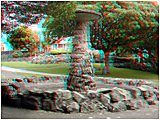

(ACB) Anaglyph gallery
See (ACB) 3-D Feature Photo's by Marc Dawson.

To the Studio 555 Front Page.

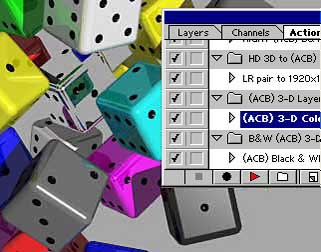
The (ACB) 3-D action set will make Still and motion (ACB) 3-D Anaglyphs with Photoshop.
The (ACB) 3-D actions will work in versions of Photoshop 5. and later including CS'.
The (ACB) action set makes anaglyph movies frame by frame in batch mode. Ideal for making anaglyph movies with the Fujifilm 3-D W1 and W3.

(ACB) 'Anaglyphic Contrast Balance' is an embodiment of New Zealand Patent 505513 and U'K' + Australian Patent 785021 + Other Patents Pending.

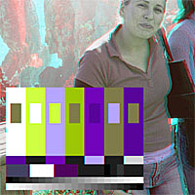
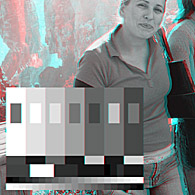
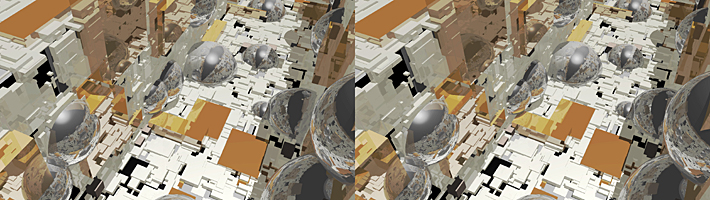
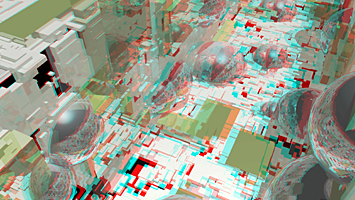
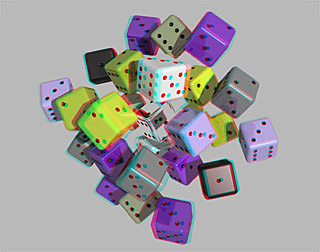
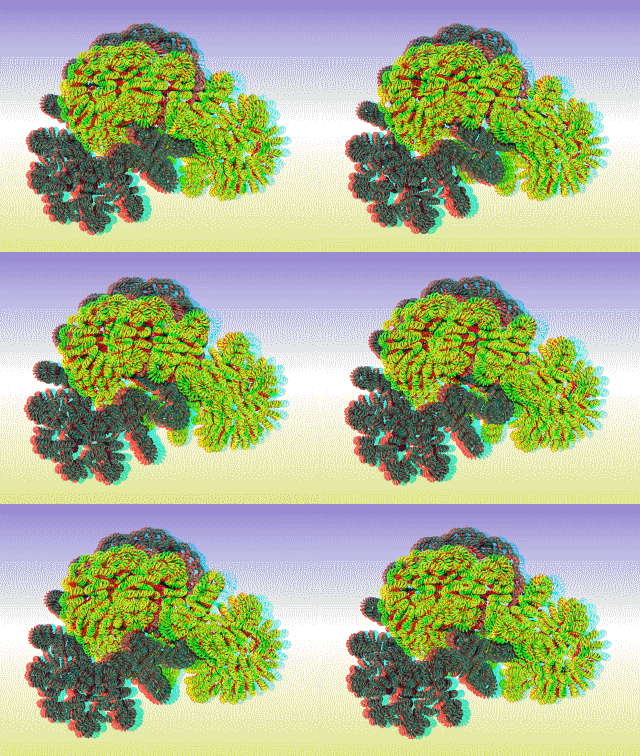
ANAGLYPHIC CONTRAST BALANCE. (ACB) 3-D Will handle the most demanding stereo pairs, even those with pure primary colors as is common in CGI computer generated images. The anaglyphs on this site are made with the same 'ONE CLICK' (ACB) 3-D method now available as a photoshop action. Perfect results every time.
Note: This offer is for non-commercial use only. Commercial use of the (ACB) 3-D imaging process with any application or program requires further license

Try this test action first. (ACB) TEST It makes an image ALL BLACK. If it works, then so will the (ACB) 3-D Action.
Save it. Open photoshop actions palette.(Menu > Window > Actions) Click the triangle in the upper right hand corner. Choose '/load Actions'.
Allow a day for confirmation of purchase and then receive your (ACB) 3-D action set by email.

Select (ACB) 3-D Action Sets

The Patented (ACB) 3-D process as a 'One Click' Photoshop Action.
Try (ACB) 3-D Viewers

To get started, try this (ACB) 3-D tutorial.

(ACB) 3-D STILL IMAGE ANAGLYPH PROCESSING. With Photoshop 5 or later.

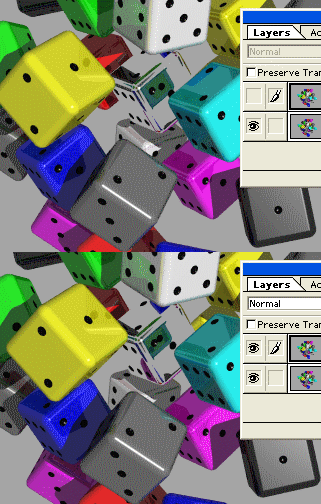
  1. Save the left and right images as layers in one photoshop document. Left on top for Red-Left Viewing. Right on top for Cyan-Left viewing.
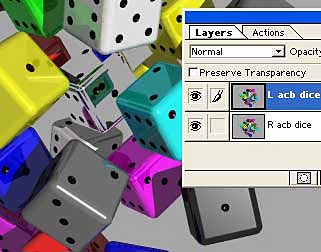
  2. Select the top layer as 'active' in the 'Layers Palette'.
  3. Select "(ACB) 3-D" in the 'Actions Palette' and Click 'Play'.

Adjust brightness if required. Ensure that any post production treatments do not effect color balance.

One Click (ACB) 3-D anaglyph processing

1. Left and Right Layers, red channel view on top.
The top layer, left or right, will be red channel viewed
2. Select the Top Layer as Active.
Select the top image as active
3. Play the (ACB) 3-D Action.
Select (ACB) 3-D and click play


Make Anaglyph Movies with (ACB) 3-D ANAGLYPHIC MOVIE PROCESSING. Requires Photoshop 5 or later and a video editing program.

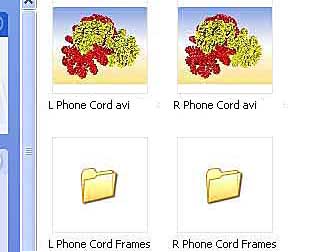
  1. After synchronizing with a video editing timeline, export the left and right views as Targa frames into Left and Right folders.
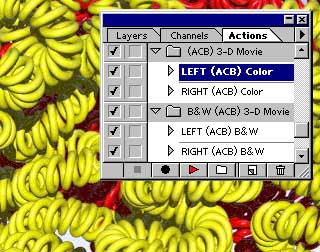
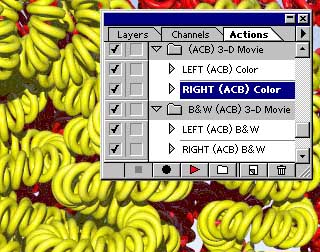
  2. Batch process the left and right folders with "(ACB) left" and "(ACB) right" Actions.
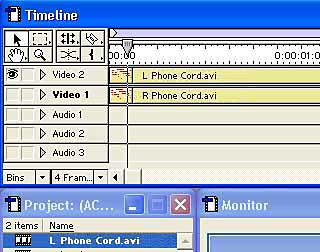
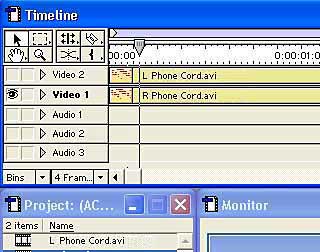
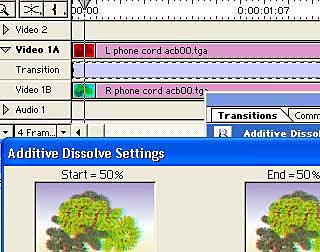
  3. With a video editing timeline, use an additive disolve 50/50 transition or a 50/50 blend filter to export the (ACB) processed left and right Targas in the desired video format.

If video compression is required, use a color accurate one.

(ACB) 3-D Phone Cords. 3-D CGI by Lindsay Dawson

1.  Export Left view as frames
File >Export >Movie >Settings >
Export Left targa Frames
Export Right view as frames
File >Export >Movie >Settings >
Export Right targa Frames
Save in Left and Right folders.
Save the Left and Right viewa as Targa Frames in separate folders


2.  Batch process the Left folder
File >Automate >Batch >Choose >
Batch process the Left folder with the '(ACB) Left' action

Batch process the Right folder
File >Automate >Batch >Choose >
Batch process the right folder with the '(ACB) Right' action

3.  Render a Left/Right 50/50 blend on a timeline.
Render a Left/Right 50/50 blend on a video timeline.

(ACB) 'Anaglyphic Contrast Balance' is an embodiment of New Zealand Patent 505513 and U'K' + Australian Patent 785021 + Other Patents Pending.

(ACB) 3-D Viewers

STUDIO 555